
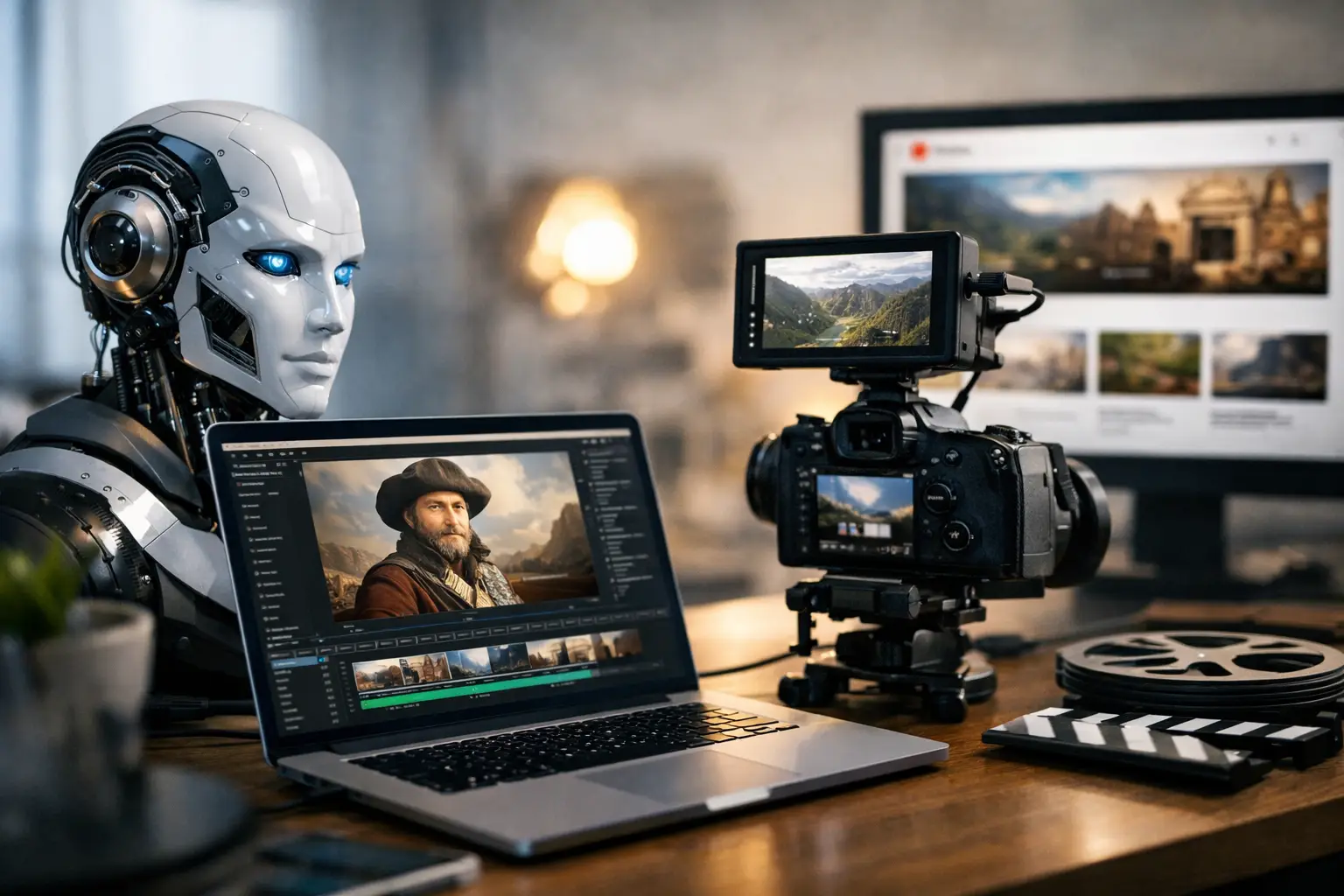
A single documentary video can demand days of research, scripting, narration, visual sourcing, editing, thumbnail design, and metadata work. An AI video generator changes that production math. For YouTube creators trying to publish educational content consistently, the real value is not a faster way to make clips. It is a system that turns a viable topic into a publishable video package without requiring a full production team.
That distinction matters. A generic video tool may help create a scene, animate an image, or generate a short social post. Documentary channels need a connected workflow: a fact-grounded script, a professional voiceover, visuals that hold attention, a consistent cinematic style, and YouTube metadata built to earn discovery. If any one piece is weak, the video can feel unfinished, no matter how quickly it was made.
What an AI Video Generator Should Do for Creators
The best AI video generator for a documentary-focused channel should reduce the number of handoffs between idea and upload. Instead of bouncing from a research tool to a writing app, a voice platform, an editor, and a thumbnail maker, creators should be able to move through one production path.
Start with the topic. It could be the collapse of an empire, a strange scientific discovery, a business scandal, a biography, or a timely story with proven audience interest. The system should turn that prompt into a structured narrative that has a clear hook, logical pacing, and enough context to keep viewers watching beyond the opening minute.
From there, the production assets need to fit together. The narration should sound appropriate for the subject. The imagery should support the script rather than repeat it. Music should establish momentum without competing with the voiceover. The thumbnail and title should accurately frame the promise of the video while giving a viewer a reason to click.
That is the operational difference between generating content and producing a channel asset. A channel asset is designed to be published, discovered, watched, and reused as part of a larger content library.
The Documentary Workflow That Saves the Most Time
For most faceless-channel operators and solo creators, time disappears in the gaps between tasks. Research may take a few hours, but organizing notes takes longer. A draft script may be easy to create, but then it needs a voiceover, visual plan, edits, and a publishing strategy. The work compounds fast.
A better workflow is simple.
1. Choose a topic with audience potential
Begin with a subject that fits your channel's point of view and has enough narrative tension to sustain a video. History, science, true events, economics, technology, and cultural stories all work when the topic contains a question, conflict, mystery, rise, fall, or surprising outcome.
Trend awareness helps, but it should not replace channel strategy. A trending topic that has no relationship to your audience can attract the wrong viewers and weaken future recommendations. The strongest approach mixes timely subjects with evergreen topics that can keep collecting views months after publication.
2. Generate a complete production package
Once the topic is selected, the goal is to create every core asset in one pass: a fact-grounded script, narration, storyboard-based slideshow video, music, thumbnail, sources and citations, plus YouTube SEO metadata. This is where automation delivers its biggest advantage. It removes repetitive coordination work, not just individual creative tasks.
DocuViralPro is built around this model, producing documentary-style videos from a topic while connecting the finished production to distribution needs. For creators who need broader creative freedom, an anything category can support fictional stories, ads, and other formats outside a factual documentary framework.
3. Review, refine, and publish on a schedule
Automation does not mean publishing blindly. Review names, dates, claims, pronunciations, and visual choices before your video goes live. If the subject is sensitive, controversial, or rapidly evolving, add extra scrutiny. A fact-grounded script is a stronger starting point than an unverified draft, but responsible channel ownership still requires a final human check.
Then publish consistently. A single excellent documentary can perform well, but a library of related videos gives YouTube more opportunities to understand your audience and recommend your work. Consistency is not about posting daily at any cost. It is about maintaining a reliable output level that your channel can sustain.
Why YouTube Metadata Cannot Be an Afterthought
Creators often treat the title, description, tags, and thumbnail as final chores. That is expensive. Your video can have strong storytelling and polished narration, but viewers must first see a clear reason to click.
A useful title makes a specific promise. It should communicate the topic and create curiosity without becoming vague or misleading. “The Mystery That Changed Modern Medicine” may earn interest, but it needs to align with what the video actually explains. A thumbnail should reinforce the same idea in a fraction of a second, using a focused visual concept rather than a crowded collage.
Descriptions and supporting metadata help establish context for YouTube and viewers. They should use natural topic language, explain the subject clearly, and reflect the video rather than stuffing keywords. This is why a full SEO suite is more practical than a separate metadata generator. The strongest metadata is built from the script, topic, and audience intent from the start.
Where General AI Video Tools Fall Short
General-purpose tools can be useful for a quick explainer, an intro animation, or a short-form test. But they often shift the hardest work back to the creator. You may still need to find sources, decide on the narrative structure, write the script, select scenes, create a thumbnail, and optimize the upload yourself.
They also tend to prioritize visual novelty over documentary coherence. A sequence of attractive AI-generated scenes is not automatically a story. Documentary viewers expect cause and effect, a credible timeline, and meaningful evidence. They notice when visuals feel random, narration drifts, or a video makes claims without support.
That does not mean every creator needs a documentary-specific platform. If your priority is making custom cinematic footage shot by shot, a flexible creative tool may be the better fit. If your goal is repeatable educational publishing at scale, an end-to-end documentary workflow is usually more efficient.
How to Keep AI-Generated Documentaries Credible
Speed can create a temptation to publish more than you can properly review. The channels that build long-term authority avoid that trap. They use AI to accelerate production while keeping editorial standards in place.
Check primary details that can damage trust: people, dates, locations, statistics, quotations, and causal claims. Make sure the script distinguishes between documented facts, common interpretations, and open debate. For science and current events, be especially careful with certainty. New evidence can change the story, and viewers will call out overstated conclusions quickly.
Visual accuracy matters, too. An image may be cinematic but historically wrong, geographically misplaced, or unrelated to the claim on screen. When a precise depiction is unavailable, use visuals that establish mood or context without pretending to be direct evidence.
This review process does not have to slow production to a crawl. It becomes faster when you use the same checklist for every release and reserve deeper research for high-risk topics. The point is to protect the asset you are building: a channel viewers trust enough to return to.
Build a Video Library, Not a One-Off Upload
The compounding opportunity with an AI video generator is volume with direction. Rather than asking, “What can I make today?” build content clusters around themes your audience already responds to. A history channel might connect ancient empires, military strategy, lost cities, and political betrayals. A science channel might build series around space, medical breakthroughs, disasters, or unsolved phenomena.
Each video should stand on its own, but related uploads create more ways for viewers to continue watching. That improves the usefulness of your channel page, strengthens topical authority, and turns a successful topic into a repeatable format instead of a lucky one-off.
The creator advantage is not that AI makes every video automatic. It is that you can spend less time assembling production pieces and more time choosing ideas worth publishing. Pick topics your audience wants to understand, review the details that deserve human judgment, and keep building a library that gives viewers a reason to come back.


