
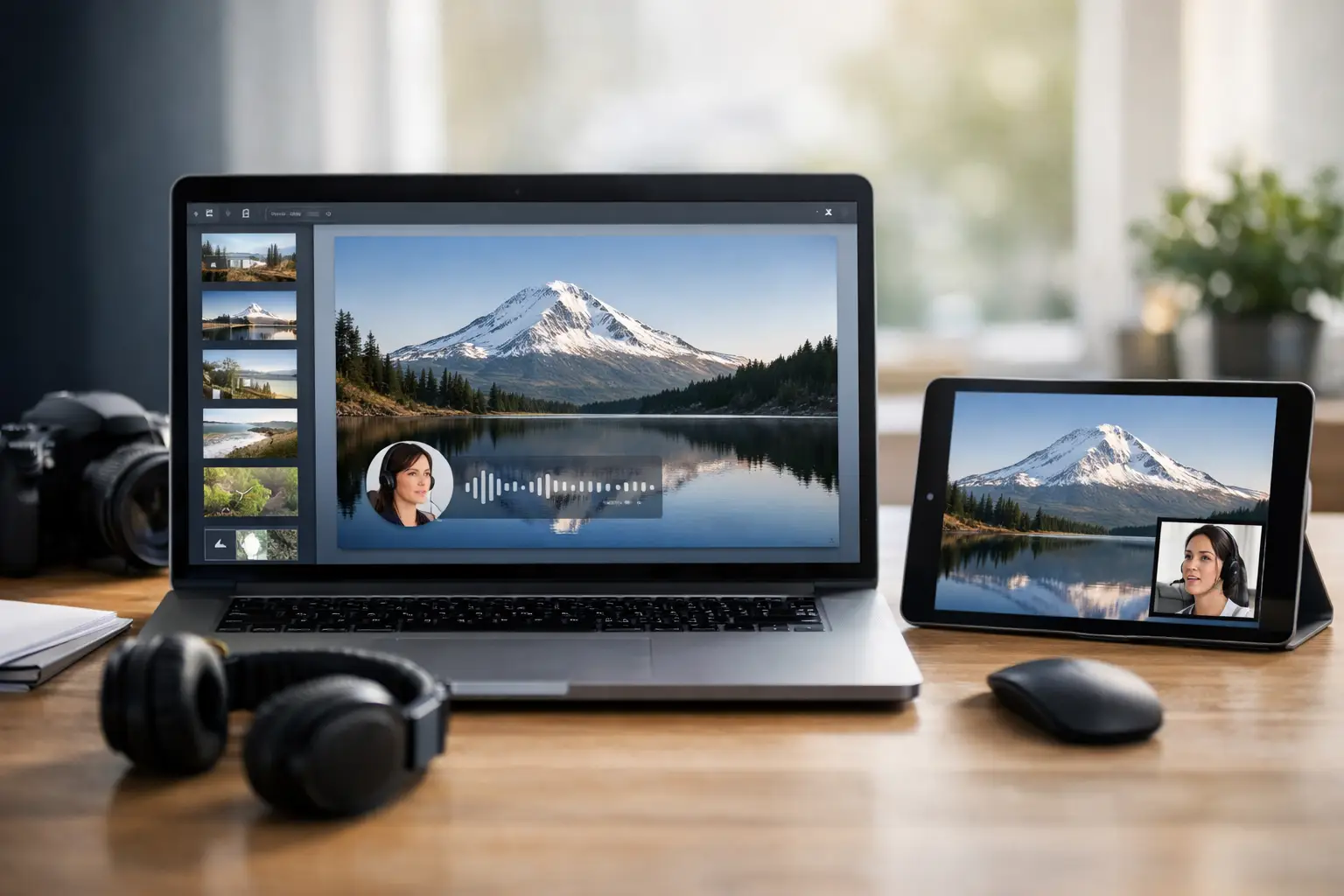
A narrated slideshow can become a publishable YouTube asset fast - or become another half-finished project spread across a script document, voice tool, stock library, editor, and thumbnail app. Creators searching for the “best platforms narrated slideshows” are usually not looking for more features. They need a production system that turns a topic into a video people will actually click and watch.
For documentary channels, educational publishers, and faceless creators, the right platform depends on where production slows down. Some tools are excellent at visual editing. Others make voiceovers easier. A smaller group handles the full path from research and script to slideshow video and publishing metadata.
What makes a narrated slideshow platform worth using?
A slideshow with narration is not simply a sequence of still images under an AI voice. On YouTube, it needs a clear story, visuals that change often enough to hold attention, pacing that supports the subject, readable captions where needed, and a title and thumbnail built for discovery.
That is why the best platforms for narrated slideshows should be evaluated as production workflows, not just video editors. Before choosing one, ask a practical question: which parts of your current process are costing the most time?
If you already write strong scripts and have a distinct visual style, a flexible editor may be enough. If you need to publish multiple history, science, business, or current-events videos every week, an all-in-one system can remove far more friction. The trade-off is creative control. The more automated the workflow, the more you should review the script, visuals, pronunciation, and factual claims before publishing.
7 best platforms for narrated slideshows
1. DocuViralPro for documentary-first production
DocuViralPro is built for creators who want to produce documentary-style slideshow videos without assembling a separate tool stack. Enter a topic, and the workflow is designed to generate a fact-grounded script, professional narration, storyboard-based visuals, music, thumbnail concepts, citations, and YouTube SEO metadata.
Its advantage is not just speed. It is format alignment. Documentary channels need structure: a compelling opening, clear progression, visual continuity, and an ending that feels earned. A platform centered on viral AI documentary production helps turn broad subjects into cohesive episodes rather than generic presentations.
This is the strongest fit for faceless-channel operators, solo creators, and small teams that need consistent output. It is also useful for creators who want to explore trending documentary subjects without spending hours on initial research. For non-factual projects, the Anything category gives creators room to produce fictional stories, ads, and other video concepts with the same production flow.
The trade-off is that creators with a highly specific motion-design style may still want to export or refine assets elsewhere. But for publishing educational videos at volume, a documentary-focused all-in-one workflow can replace several disconnected steps.
2. Canva for branded, hands-on slideshows
Canva works well when your slideshow needs to look unmistakably like your channel. Its templates, brand kits, image library, and simple timeline make it accessible for creators who want control over layouts, fonts, colors, and individual slides.
You can record narration directly or import a finished voice track, then animate elements and export the final video. It is especially useful for explainers, business education, list videos, and videos that rely on charts, on-screen quotes, or branded callouts.
Canva is less effective as a complete documentary engine. It will not research a topic, build a verified script, or create a full YouTube publishing package for you. Expect to bring your own script, voiceover, and story structure. For creators with a design-first workflow, that is a benefit. For creators trying to scale to several videos per week, it can become a bottleneck.
3. Descript for narration-led editing
Descript is a strong choice when the voiceover is the center of the production. Its text-based editing lets you edit audio and video by editing the transcript, which is a major time saver when tightening a script, removing pauses, correcting repeated phrases, or restructuring a segment.
For narrated slideshows, Descript is particularly useful if you record your own voice, work with a narrator, or need precise control over spoken pacing. You can place images, clips, captions, and screen elements around the narration rather than trying to force the narration to match a prebuilt template.
The limitation is that it is an editor, not a research and production strategy system. You still need a strong script, visual sourcing process, and thumbnail plan. It is a smart pick for creators who already have those pieces but need faster audio-driven editing.
4. Pictory for turning scripts into visual drafts
Pictory is designed to turn written content into video drafts using stock footage, images, captions, and AI voiceovers. It can be a useful middle ground for creators who have scripts ready and want to generate a first-pass narrated slideshow without manually building every scene.
Its strength is speed from text to timeline. Paste in a script, review the suggested visuals, choose a voice, and produce a draft quickly. That makes it practical for repurposing articles, newsletters, or existing educational scripts.
The main consideration is visual specificity. Stock-driven scene suggestions can feel repetitive or too literal if they are not reviewed carefully. A compelling documentary often needs intentional visual choices, historical context, maps, archival imagery, or recurring thematic motifs. Use Pictory as a fast assembly tool, then spend time improving the scenes that carry the biggest story beats.
5. InVideo AI for fast prompt-to-video production
InVideo AI suits creators who prefer to start with a prompt rather than a fully written script. Describe the topic, audience, and intended video format, and it can generate a video draft with narration, visuals, and text elements.
This can be useful for testing channel ideas quickly. If you are evaluating whether a topic has potential, a fast draft helps you assess the hook, length, and visual direction before investing in a more refined production.
However, prompt-to-video convenience does not remove the need for editorial judgment. Generic prompts tend to produce generic results. To get more useful output, creators should specify the angle, target viewer, tone, key facts, scene types, and desired pacing. It is best for rapid ideation and broad content production, not necessarily for creators who require citation-backed documentary research.
6. Adobe Express for polished simple edits
Adobe Express is a practical option for creators who want polished visual assets without learning a complex professional editor. It supports simple video assembly, voiceover additions, branded graphics, captions, and reusable templates.
It is especially effective for short narrated slideshows, social adaptations, channel promos, and concise explainers. If your content relies on a clean, editorial design style, Adobe Express gives you more visual polish than many automated video generators while keeping the workflow approachable.
For long-form YouTube documentaries, it may feel limited once you need extensive scene management, layered audio, or dozens of carefully timed visual changes. Think of it as a capable design and lightweight editing solution, not a full production pipeline.
7. PowerPoint for controlled educational presentations
PowerPoint remains relevant when the slideshow itself is the message. For teachers, consultants, subject-matter experts, and channels built around data-led explanations, its slide control is hard to beat. You can create structured visuals, animate charts, record narration slide by slide, and export a video.
The downside is production speed. PowerPoint gives you control, but it does not solve research, scripting, voice generation, asset sourcing, or YouTube optimization. It works best when your authority comes from original analysis, diagrams, or presentations that need to follow a precise sequence.
Choose based on the workflow you need to scale
If you want design flexibility and already have a production team or clear creative process, Canva, Adobe Express, and PowerPoint give you more direct control. If narration editing is your biggest pain point, Descript is a focused choice. If you need quick AI-assisted drafts from a script or prompt, Pictory and InVideo AI can move you from idea to video faster.
But if your goal is to build a scalable library of documentary content, the decision should be bigger than “Can this tool make slides move?” Look for a platform that reduces the entire chain of work: topic selection, research, scripting, narration, visual planning, thumbnail creation, and SEO preparation.
The best narrated slideshow platform is the one that leaves you with more time to make editorial decisions that matter - selecting stronger subjects, improving the hook, checking the facts, and publishing consistently enough for your channel to compound.


