
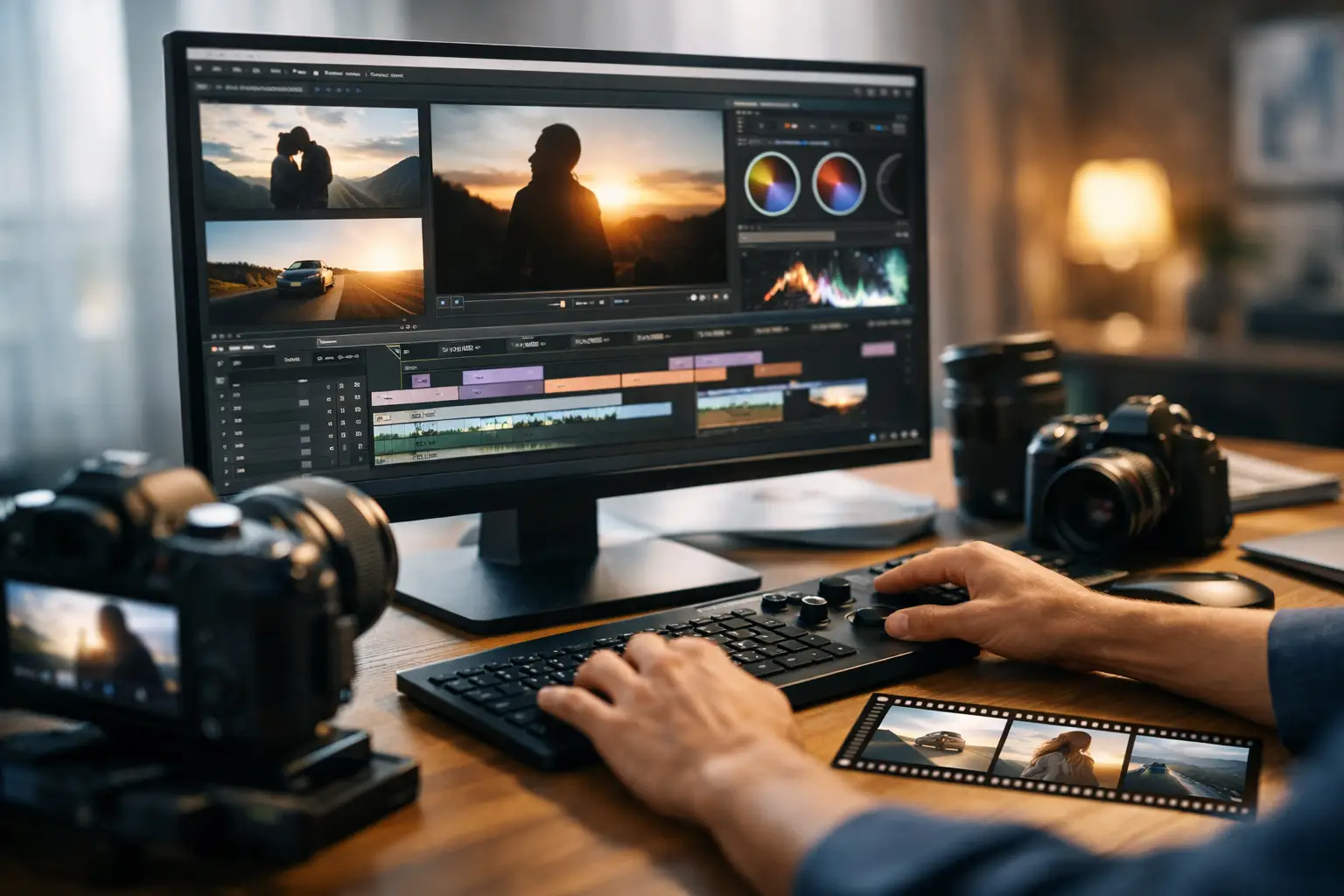
A great documentary slideshow does not feel like a stack of stock photos with a voice reading facts. It feels intentional from the first frame: a clear premise, visuals that build tension, narration with authority, and music that gives the story momentum. To create cinematic slideshow videos that people keep watching, you need a production system that treats every asset as part of one story.
For faceless YouTube creators, that system matters more than expensive editing software. Your audience will forgive a simple visual style. They will not forgive a slow opening, mismatched images, unsupported claims, or a video that feels assembled instead of directed.
What Makes a Slideshow Feel Cinematic?
Cinematic is not a filter, a dark color grade, or dramatic background music alone. It is the sense that the script, narration, visuals, pacing, and sound are working toward the same emotional result.
A video about the fall of an empire might use weathered maps, empty palaces, archival portraits, and restrained orchestral music. A science documentary about deep-sea exploration may use dark blue imagery, slow zooms, sonar-like atmosphere, and a voiceover that creates anticipation before explaining the discovery. The subjects differ, but the creative direction remains consistent.
That consistency is what separates a watchable slideshow from a viral AI documentary built to hold attention. Every scene should answer a simple question: what should the viewer understand, feel, or want to know next?
Cinematic slideshow videos also rely on motion. Still images need subtle camera movement, such as pans, zooms, parallax-style depth, or timed transitions, to avoid a presentation-like feel. The movement should support the narration, not distract from it. Fast motion can amplify urgency. A slow push into a historical photograph can make a key reveal feel more significant.
Start With a Topic That Has Built-In Curiosity
Production gets easier when the topic already carries a strong click and retention angle. Broad subjects like “Ancient Rome” or “Space” are difficult to package because they promise too much. A focused angle gives the video a reason to exist.
Instead of covering all of Ancient Rome, consider a question such as why Rome’s most feared legion disappeared, how a single volcanic eruption buried a city, or what daily life was actually like inside the Colosseum. Instead of “Space,” focus on the strange signal scientists still cannot explain or the planet where it may rain glass sideways.
The best documentary topics usually combine familiarity with a gap in the viewer’s knowledge. People recognize the name, event, or concept, but they do not know the surprising detail behind it. That gap creates the click. A strong opening then converts the click into watch time.
Trend potential matters, but it should not override channel fit. A breaking science story may perform well for a science channel and confuse an audience that subscribed for military history. Build a repeatable topic lane first. Then use timely subjects that naturally belong in that lane.
Build the Story Before You Choose Visuals
Many creators collect visuals first and try to write around them. That often produces a video with attractive scenes but no narrative momentum. Start with the story structure, because the script determines what the viewer needs to see and when.
A reliable documentary structure starts with a cold open that creates a question or stakes. Follow it with enough context for the viewer to understand why the subject matters, then move through escalating details, reversals, evidence, or discoveries. End with the implication: what this story changes, reveals, or leaves unresolved.
The first 20 to 30 seconds carry unusual weight. Avoid beginning with definitions, channel greetings, or a long history lesson. Lead with the most arresting detail. If your video is about a lost expedition, open with the final clue, the last radio message, or the discovery that revived the mystery. Then step back to explain how the story reached that point.
For factual documentaries, accuracy is part of the product. A dramatic script that overstates evidence may earn short-term clicks, but it weakens trust and makes future growth harder. Use fact-grounded claims, distinguish established evidence from theory, and keep sources available for review. When a detail is uncertain, that uncertainty can become part of the story rather than a weakness.
Match Narration, Music, and Visual Rhythm
Professional narration is more than clear pronunciation. It controls pace, emphasis, and perceived credibility. A flat read can make even an excellent script feel generic. A voice that is too theatrical can make serious educational content feel exaggerated.
Choose a voice style that matches the subject. Historical mysteries often benefit from measured authority. Fast-moving technology stories can support more energy. For sensitive topics, restraint usually performs better than forced drama. The goal is not to sound like a movie trailer. The goal is to make the viewer trust the guide taking them through the story.
Music should establish mood without competing with the narration. Keep it low enough that every word remains easy to follow, then raise intensity only at major transitions, reveals, and emotional beats. One cohesive score palette is generally stronger than switching genres every 20 seconds.
Visual changes should follow the script’s rhythm. A new image every few seconds can work in a high-energy story, while a complicated historical map may need more time on screen. Let the complexity of the visual determine the shot length. If viewers need time to interpret an image, do not cut away just because the timeline demands constant movement.
Use a Shared Visual Theme, Not Random Assets
The fastest way to make a slideshow look cheap is to mix unrelated visual styles. An archival black-and-white photo, a glossy AI illustration, a modern infographic, and a bright stock image can each be useful, but together they need a shared treatment.
Decide on a visual direction before production begins. That direction might be archival and textured, dark and atmospheric, clean and scientific, or cinematic and high contrast. Apply similar color treatment, typography, transitions, and framing across the project. Repeating a few design choices creates a recognizable channel identity while reducing editing decisions.
Do not force visuals to be literal. If the narration discusses political pressure, you might show a closed door, a tense crowd, an old newspaper headline, or a map with shifting borders. Metaphorical visual choices can make a slideshow more dynamic, provided they remain relevant to the claim being made.
AI-generated visuals can fill gaps where public-domain imagery or stock footage does not exist, especially for ancient history, abstract scientific concepts, or imagined reconstructions. The trade-off is credibility. Avoid presenting generated recreations as authentic historical records, and use a consistent style so they do not clash with real photographs or archival material.
Turn Production Into a Repeatable Publishing System
The creator bottleneck is rarely one task. It is the handoff between tasks: researching, scripting, recording narration, finding visuals, editing, creating a thumbnail, writing metadata, and preparing the upload. Each step may be manageable alone, but together they can delay publishing for days.
A streamlined workflow begins with one topic and produces a connected package: a verified script, professional voiceover, storyboard-based slideshow, music, thumbnail direction, citations, and YouTube SEO metadata. That connection matters because the thumbnail promise, title, opening hook, and final video should all describe the same compelling idea.
DocuViralPro is built around this documentary-first workflow. Enter a topic or select a trend, generate the production assets, then review and publish. For creators who need factual educational content, the documentary path keeps the workflow centered on research-backed storytelling. For ads, fictional concepts, and other non-factual projects, the Anything category provides more creative freedom without rebuilding the production process from scratch.
Automation does not mean publishing without judgment. Review names, dates, claims, visuals, and pronunciations before upload. Add your channel’s point of view where it helps. The strongest use of AI is not replacing editorial standards. It is removing the repetitive production work that keeps good ideas trapped in a notes app.
Package the Video for the Click It Earned
A cinematic slideshow can still underperform if the packaging is vague. Your title and thumbnail should make one clear promise, while the opening delivers that promise quickly. “The Mystery of the Titanic” is broad. “The Titanic Warning Nobody Took Seriously” creates a more specific reason to watch.
Avoid trying to explain the whole video in the thumbnail. Use a single visual focal point, limited text if any, and enough contrast to read on a mobile screen. Then let the title provide context. This division of labor produces cleaner packaging and a stronger first impression.
Metadata supports discovery, but it cannot rescue a weak premise. Use a focused description, relevant keywords, accurate chapters when appropriate, and language that matches the terms your audience actually searches. More importantly, make the video satisfying after the click. YouTube rewards viewer response, not keyword stuffing.
The practical goal is simple: publish stories that look coordinated, sound credible, and get to the point. When your topic research, script, voiceover, visuals, thumbnail, and SEO work as one production system, cinematic quality becomes repeatable rather than a one-off editing marathon.


