
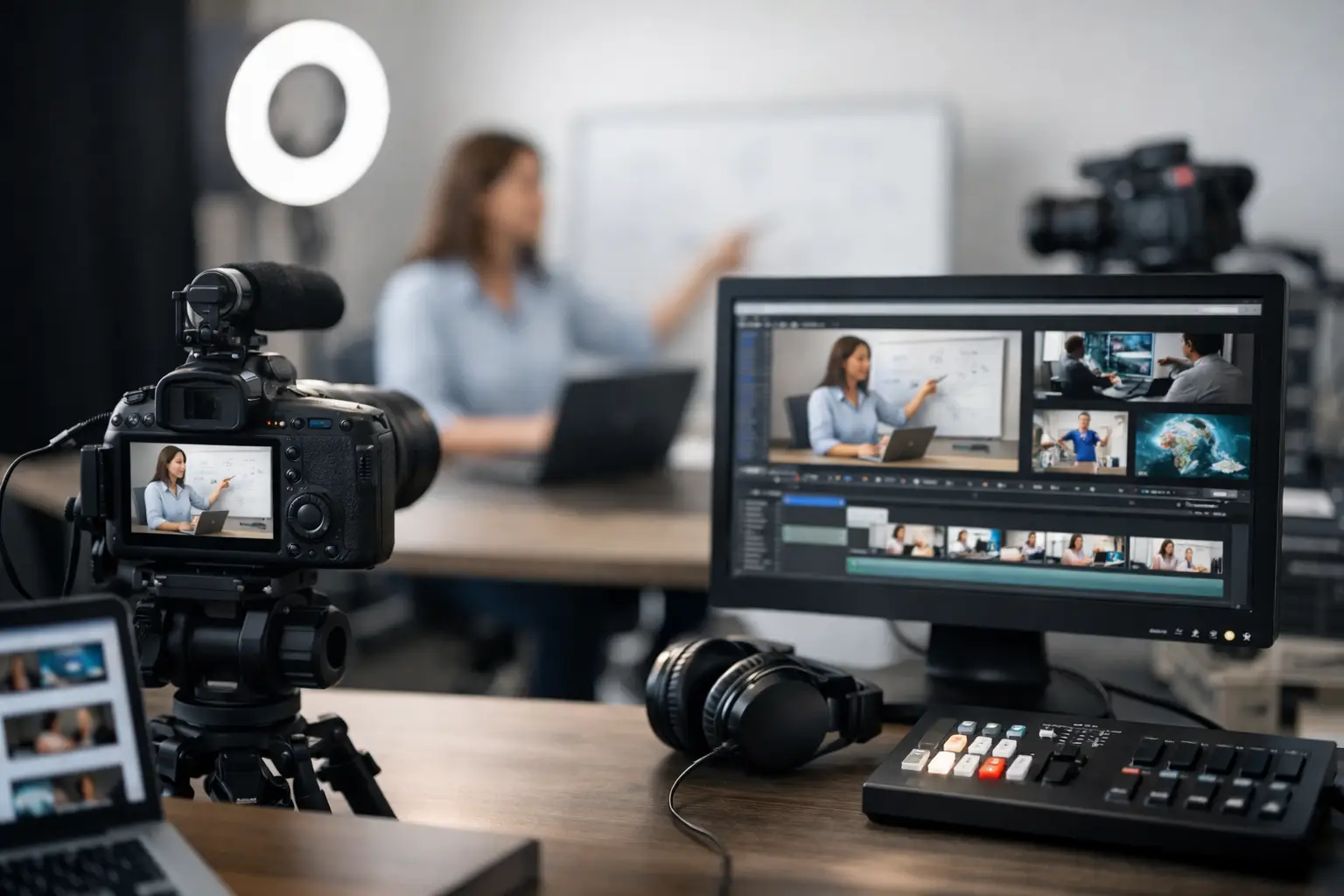
A 10-minute educational video can quietly consume 15 to 30 hours when every production task lives in a separate tool. Research happens in one tab, scripting in another, voiceover recording on a different day, and editing becomes the bottleneck that delays publishing again. To produce educational videos faster, you need more than faster editing. You need a production system that turns one approved topic into a complete, publish-ready asset.
For faceless channels, solo creators, and small content teams, speed is not about rushing facts or lowering standards. It is about removing the handoffs, repeated decisions, and blank-page work that make consistent output feel impossible.
Why Educational Videos Take So Long
Educational content has a higher production burden than a reaction clip or a simple talking-head update. Viewers expect a clear story, credible information, useful visuals, narration that holds attention, and a reason to keep watching until the final minute.
The problem is usually not one difficult task. It is the accumulation of small tasks. A creator might spend two hours selecting a topic, four hours validating information, another four writing a script, then lose a day sourcing visuals and editing the sequence. Add thumbnail design, title testing, descriptions, tags, and upload settings, and a single video becomes a multi-day project.
That process can make sense for a flagship production. It does not scale well when your goal is to build a channel library, respond to rising interest in a subject, or publish several educational videos per week.
The answer is to treat content as a repeatable pipeline rather than a one-off creative event.
Build a Topic-to-Publish Workflow
A faster workflow starts before the script. Choose subjects with enough depth to teach something, enough audience demand to earn clicks, and a format you can reproduce across a series.
History mysteries, science explainers, unusual biographies, business case studies, and major events all work because they can be structured around a strong opening question. Instead of starting with a broad idea like “Ancient Rome,” start with a focused promise such as “Why Rome’s Food Supply Controlled Its Empire.” The narrower angle makes research, scripting, thumbnail direction, and YouTube packaging much faster.
Create a simple content brief for every video: the audience question, core claim, target runtime, emotional angle, and supporting sources. This avoids a common time drain: researching without knowing what the video needs to prove.
Use a Repeatable Story Structure
You do not need a new narrative architecture for every educational upload. A reliable documentary-style structure can carry most topics:
- Start with a surprising fact, tension, or question.
- Establish why the viewer should care.
- Explain the context without overloading the opening.
- Build the central story through cause, conflict, discovery, or change.
- End with the larger takeaway or an unresolved question that lingers.
The structure should not make every video sound identical. It simply gives your script a proven frame. You can spend your creative energy on the subject itself rather than deciding where every section belongs.
For shorter videos, compress context and move quickly to the central insight. For 15- to 20-minute documentaries, give the story more room to develop. Runtime should follow the material, not an arbitrary quota.
Cut Research Time Without Cutting Accuracy
Fast educational content still has to earn trust. The goal is not to copy the first answer an AI tool or search result produces. The goal is to verify the claims that matter most and keep a clear source trail during production.
Start with primary sources, reputable institutions, academic publications, recognized archives, and established reporting where applicable. Then identify the facts that carry the video: dates, numbers, quotes, scientific findings, and controversial claims. Those are the details that deserve a second check.
Avoid adding every interesting detail you find. Extra facts often make scripts slower to write and harder to follow. Keep only information that advances the viewer’s understanding of the main question.
A fact-grounded script is also easier to narrate. When claims are clear, specific, and properly framed, you avoid long qualifiers and vague filler. That creates a stronger viewer experience while reducing revisions.
Generate the Production Package Together
The largest efficiency gain comes from eliminating fragmented production. Scripts, visual direction, narration, thumbnails, citations, and SEO metadata should inform one another from the start.
When those assets are created separately, the script may mention visuals you cannot find, the thumbnail may promise a story the video does not deliver, and the description may be written in a rush minutes before publishing. That mismatch costs time and can weaken click-through rate and retention.
An end-to-end workflow creates one connected package. The script establishes the story. The storyboard maps the visual rhythm. The narration follows the final script. The thumbnail highlights the strongest curiosity point. The metadata reflects the actual search intent and topic angle.
DocuViralPro is built around this documentary production model, turning a topic into a fact-grounded script, professional narration, storyboard-based video, thumbnail, citations, and full SEO suite in one workflow. The advantage is not just generation speed. It is fewer creative handoffs between disconnected tools.
Make Visuals Serve the Story
Creators often spend too long looking for the “perfect” image or clip. For a slideshow documentary, viewers do not need a new visual every second. They need visuals that reinforce the narration, create movement, and prevent repetitive frames.
Use visual categories intentionally. Establishing images provide context. Archive photos create authenticity. Maps and timelines clarify sequence. Close-up details support key points. Text callouts can emphasize dates, numbers, or names when used sparingly.
A shared cinematic theme matters because it makes varied source material feel like one production. Consistent color treatment, pacing, music, transitions, and typography create a professional result without requiring custom motion graphics for every scene.
There is a trade-off. More elaborate visual editing can improve a major video, especially when a topic has rich footage or a high revenue opportunity. But for consistent channel growth, a standardized visual system will usually outperform a perfectionist workflow that allows only one upload per month.
Keep Narration and Editing Out of the Revision Loop
Nothing slows production like recording narration before the script is final. Small wording edits then require retakes, audio cleanup, timeline adjustments, and new visual timing. Finalize the script before committing to voiceover.
Write narration for listening, not reading. Use short sentences, concrete language, and clear transitions. If a sentence sounds awkward when read aloud, it will sound worse in the finished video. Professional-sounding AI narration can remove recording and retake time, but it still needs a script with natural pacing.
For editing, set a few channel-level rules: a standard intro length, preferred music style, caption treatment, transition style, and outro format. These decisions should be made once, then reused. A viewer benefits from recognizable channel identity, and you benefit from fewer decisions per production.
Package for Discovery Before You Upload
A great educational video can miss its audience if the title and thumbnail are treated as an afterthought. Your packaging should make one clear promise, not summarize every subject covered.
The title should lead with the topic or question viewers already care about. The thumbnail should add tension, scale, contrast, or a surprising visual detail. They should work together without repeating the exact same words.
Descriptions and keywords matter too, especially for helping YouTube understand the video’s subject. But they cannot rescue a vague title or an unconvincing thumbnail. Prioritize the click first, then support discoverability with accurate metadata, chapter markers when useful, and a description that clearly explains the value of watching.
Before publishing, run a final check: Are the core facts supported? Does the first 30 seconds deliver on the title? Does the thumbnail match the story? Is the call to action brief and relevant? This review should take minutes, not become another full editing session.
Measure the Bottleneck, Not Just the Views
If you want to produce educational videos faster over time, track where each production slows down. For some channels, research is the constraint. For others, it is visual sourcing, narration, or indecision around packaging.
Measure production hours per finished minute, revision count, publishing frequency, click-through rate, and early audience retention. Views tell you whether a topic reached people. These production metrics tell you whether your workflow can keep reaching people consistently.
The best system is the one you can run next week, not the one that looks impressive on a planning board. Build a repeatable pipeline, protect accuracy, and reserve hands-on creative effort for the moments where it truly changes the video. That is how an educational channel turns useful ideas into a growing library instead of a folder full of unfinished drafts.


