
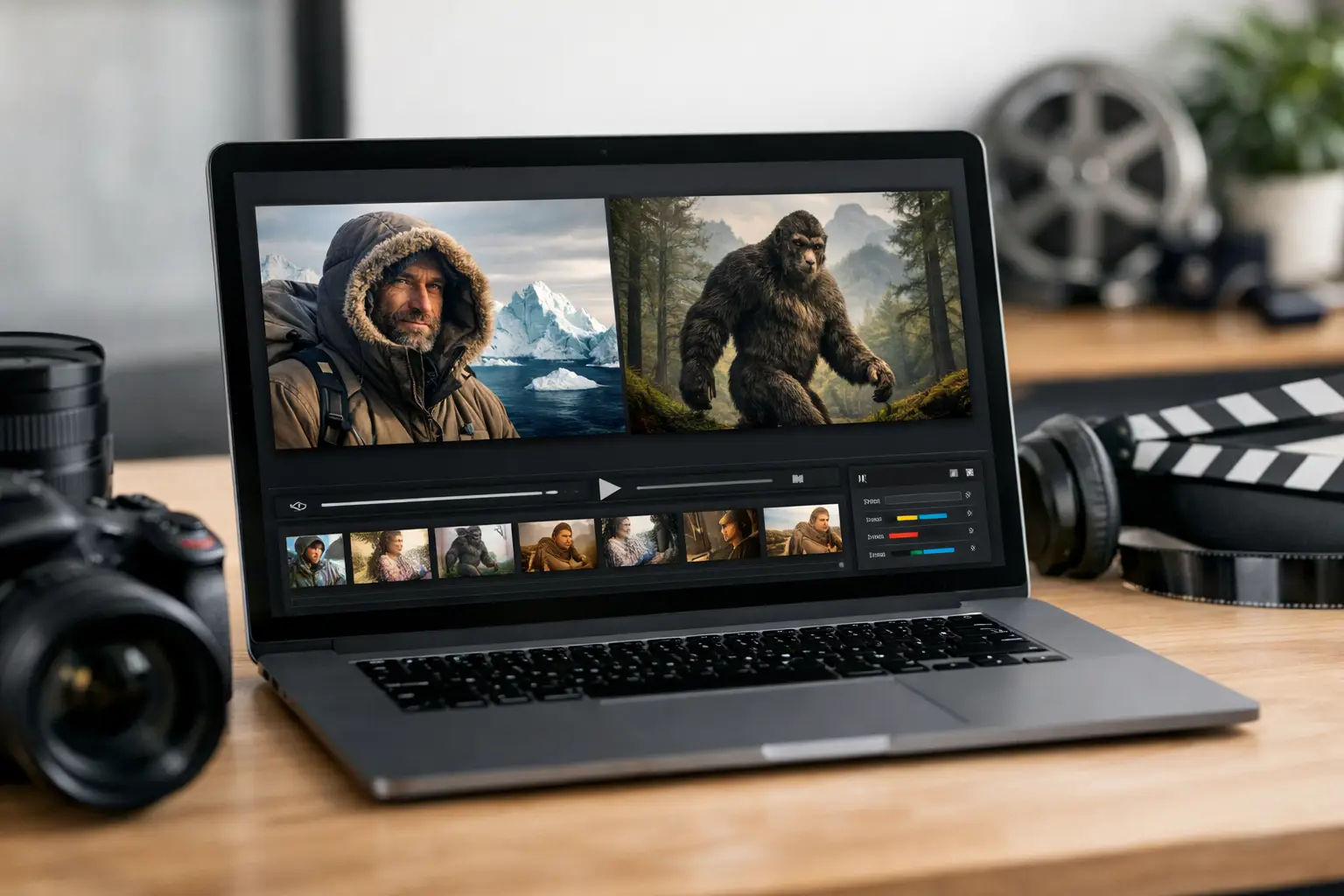
A strong documentary can lose its first battle before a viewer hears a word of narration. On a crowded YouTube home page, your video is competing with faces, headlines, breaking news, and entertainment built for instant attention. A YouTube thumbnail generator gives creators a faster way to turn a finished topic into a visual that earns the click - without spending another hour in a design tool.
For faceless documentary channels, the thumbnail is not decoration. It is the promise of the story. It tells viewers whether they are about to uncover a hidden history, understand a scientific mystery, or see a major event from a new angle. When that promise is clear, specific, and visually credible, your video has a better chance of converting impressions into views.
What a YouTube Thumbnail Generator Should Actually Do
A basic generator can place text over an image. That may be enough for a personal vlog, but it is not enough for a channel trying to build a recognizable documentary library. Your thumbnails need to make a subject legible at a glance while staying consistent across dozens of uploads.
The right tool should help you move from topic to usable visual direction. For a video about the eruption of Mount Vesuvius, that may mean a dramatic volcanic image, a small silhouette of Pompeii, a warm red-and-black color palette, and a short hook such as “The Day Pompeii Vanished.” For a documentary on deep-sea exploration, the visual language changes: darker tones, one striking subject, and typography that remains readable on a phone screen.
Generation speed matters, but relevance matters more. A random cinematic image with large text is not automatically a high-performing thumbnail. The visual must support the exact curiosity gap your title creates. If the title asks, “Why Did This Empire Collapse So Fast?” the thumbnail should point to one compelling clue, not attempt to explain the full history.
The Click Happens Before the Watch Time
YouTube evaluates more than click-through rate, but clicks are still the front door. A great video cannot build watch time from viewers who never choose it. That makes thumbnails part of your distribution system, not a final production chore.
The goal is not to manufacture confusion or overpromise. Clickbait may create an initial spike, but it damages retention when the video cannot deliver what the thumbnail implied. Documentary creators should aim for informed curiosity: a visual claim dramatic enough to stop the scroll and accurate enough that the first 30 seconds confirm it.
Think about the decision a viewer makes in less than a second. They need to recognize the topic, sense a story, and understand why this version is worth watching. A thumbnail featuring a cluttered map, six historical figures, three dates, and a full sentence asks too much. One dominant image and a focused question give the eye somewhere to land.
Build Thumbnails Around One Clear Story Tension
Every strong documentary subject contains tension. Something disappeared, changed, failed, survived, was discovered, or was misunderstood. Your thumbnail should surface that tension visually.
For example, a video about the Titanic does not need another generic image of the ship. A better concept might center on the vessel disappearing into dark water with a restrained line of text: “What Really Happened?” A documentary about Nikola Tesla could use a close, dramatic portrait paired with an electrical blueprint and the phrase “Ahead of His Time.” The image gives context; the words sharpen the reason to click.
This is where many creators lose performance. They treat each thumbnail as a miniature poster for the full video. Posters can contain detail because people have time to study them. YouTube thumbnails are scanned at tiny sizes. Reduce the concept until its main emotional or intellectual question survives.
Use text as a hook, not a transcript
Thumbnail text should add something the title does not already say. If your title is “The Lost City of Atlantis: Myth or Reality?” do not repeat “Lost City of Atlantis” on the image. Use a short contrast such as “FOUND?” or “THE EVIDENCE.”
Keep the text brief enough to read on a mobile screen. In most cases, two to five words are plenty. Large, high-contrast lettering beats a clever phrase that becomes unreadable at small sizes. Avoid thin type, low-contrast colors, and text pushed into corners where YouTube interface elements can cover it.
Make one subject dominant
A face, landmark, artifact, animal, satellite image, or unusual object can serve as the anchor. Place it large enough that a viewer understands it without zooming in. Background elements should create mood and context, not compete for attention.
Documentary channels do not need exaggerated reaction faces to be clickable. They do need visual hierarchy. A close-up of an ancient mask, a sinking ship, or an astronaut against a black sky can create just as much pull when the composition is intentional.
Create a Repeatable Channel Look
Consistency helps viewers recognize your content before they read the title. That does not mean every upload needs the same blue background or the same font. It means your visual choices feel like they belong to one channel.
Choose a small set of type treatments, colors, and compositional patterns that fit your niche. A history channel might use warm gold, charcoal, and archival textures. A science channel may lean into clean contrast, deep blues, and precise visual framing. A channel that covers dark real-world events can use moody cinematic imagery, but it should avoid making tragedy look sensational.
The trade-off is flexibility. A rigid template can make production fast but cause every upload to look interchangeable. A completely new style for every video may look creative but weakens channel recognition. The best system keeps a few core brand signals while adapting the main image and hook to the story.
A YouTube thumbnail generator is most valuable when it supports that balance. You should be able to generate topic-specific concepts while preserving the visual standards your audience has learned to trust.
Match the Thumbnail to the Video Package
Thumbnail creation works best when it happens alongside research, scripting, and title development. If it is left until the video is exported, you are forced to invent a marketing angle under pressure. That usually produces generic visuals and rushed decisions.
Start with the central premise. What surprising fact, conflict, or unanswered question makes the topic worth watching? Build the title, opening hook, and thumbnail around the same promise. Then the viewer experiences a clean sequence: the thumbnail earns attention, the title adds clarity, and the opening delivers immediate confirmation.
For creators producing at volume, this alignment is a major operational advantage. DocuViralPro creates a complete documentary production package from a topic, including a fact-grounded script, cinematic slideshow video, narration, thumbnail, sources, and YouTube SEO metadata. Instead of treating the thumbnail as a disconnected asset, creators can keep the visual promise tied directly to the story being produced.
That connection also helps prevent a common problem with AI-generated content: a polished package that lacks a clear editorial angle. Automation should remove repetitive work, not remove judgment. Review the concept, decide what the audience should feel curious about, and make sure the generated image reinforces that decision.
Test for Clarity Before You Publish
Before publishing, reduce your thumbnail to the size it will appear on a mobile feed. If the text disappears, the subject is unclear, or the image blends into the surrounding videos, revise it. A thumbnail that looks impressive at full resolution can fail completely at feed size.
Ask a simple question: can someone who knows nothing about this video explain what it is probably about after one second? If not, simplify the image or strengthen the contrast. You are not testing whether the design is beautiful. You are testing whether it communicates.
It also helps to compare your planned thumbnail against current videos in your niche. Do not copy another channel's design, but notice the competitive environment. If every competing upload uses a dark satellite image, a brighter close-up or stronger color contrast may earn more attention. If the niche is full of loud red arrows and oversized text, a clean cinematic composition can signal higher quality.
When your channel has enough traffic, use YouTube performance data to guide future decisions. Look for patterns across videos rather than judging one upload in isolation. A lower click-through rate may reflect topic demand, audience fit, title framing, or the thumbnail itself. Use the evidence to improve your system, not to chase every short-term fluctuation.
Avoid These Thumbnail Mistakes
The biggest mistakes are usually practical, not artistic. Overloaded designs, tiny text, weak contrast, and generic stock-style imagery all make it harder for viewers to understand the value of the video. Another costly mistake is relying on a dramatic visual that has little connection to the actual story. It may win a click, but it can hurt satisfaction and retention.
Be careful with historical accuracy as well. Documentary audiences notice when an image, uniform, map, or artifact belongs to the wrong period. AI visuals can be useful for atmosphere, but they need review. If a visual is illustrative rather than archival, use it to convey mood without presenting it as proof.
A final mistake is treating a poor first result as final. Generation gives you a starting point, not a reason to stop thinking. Create variations around different hooks: the mystery, the consequence, the human figure, or the overlooked evidence. Often, a small change in crop, text, or focal point creates a much clearer promise.
Your next thumbnail does not need more effects. It needs one compelling idea that a viewer can understand instantly. Build that idea into your production workflow, keep it honest to the story, and give every new documentary a stronger chance to earn the audience it deserves.


