
Best AI Tools for Faceless YouTube Channels in 2026
Compare Runway, Synthesia, Pictory, InVideo AI, and DocuViralPro for faceless YouTube in 2026, and pick the stack that matches the job you refuse to do by hand.
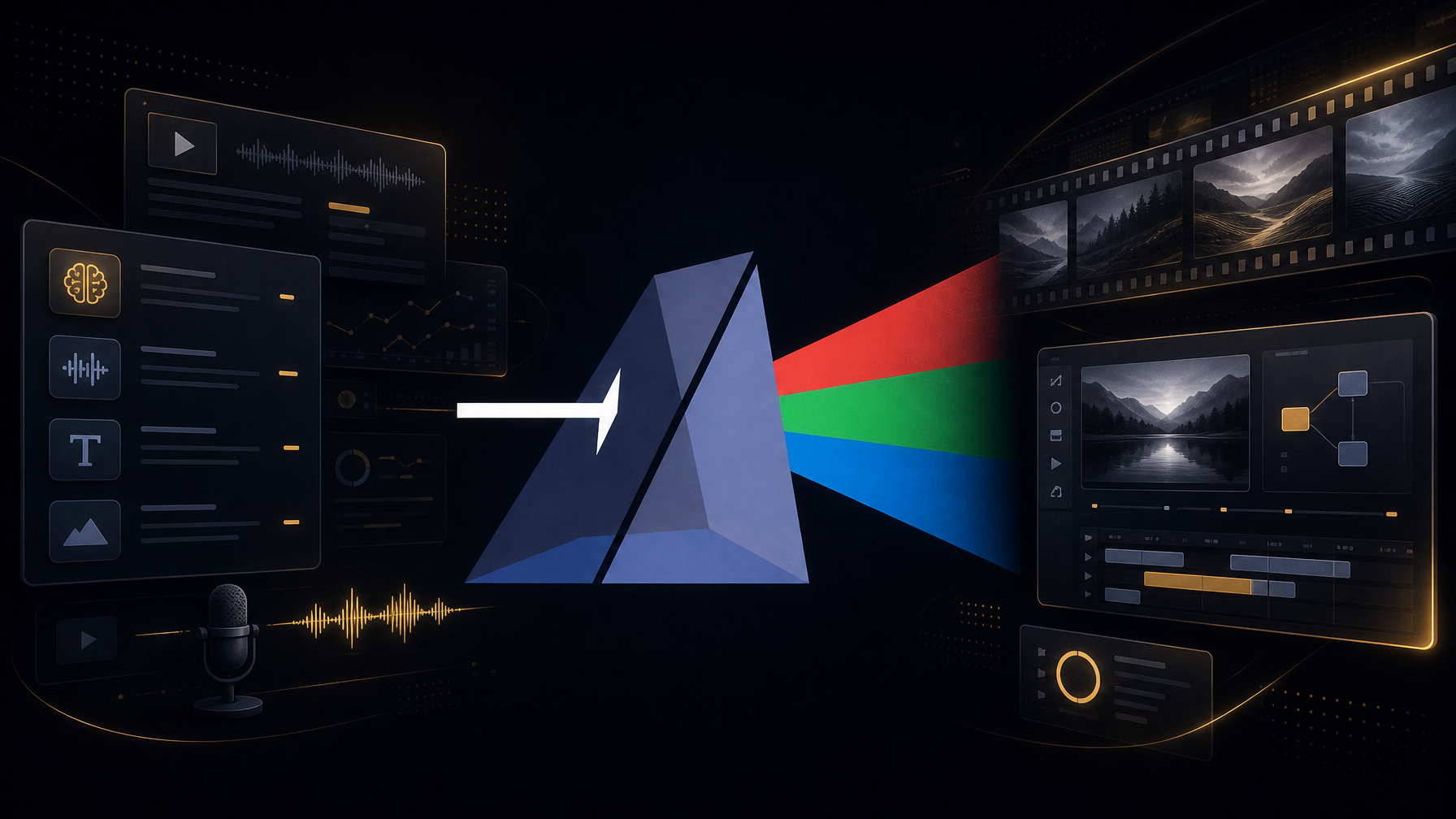
Best AI Tools for Faceless YouTube Channels in 2026
Faceless YouTube automation works when one stack writes the script, narrates it, paints new scenes, and hands you a YouTube SEO pack. Clip tools (Runway) and avatar tools (Synthesia) solve one slice. Slideshow tools (Pictory, InVideo AI) still leave research and publish metadata to you. DocuViralPro is the pick for documentary-length, fact-grounded videos: a new image every 16-22 seconds, 1080p, and a free plan with 5 trial minutes.
What faceless YouTube automation actually means
Faceless YouTube automation is a production system, not a loophole. You pick a topic. Software writes narration, speaks it, pairs visuals, and exports a file you can upload without sitting on camera.
Creators on r/aitubers still split the job across ChatGPT, a clip model, then CapCut. That stack works. It also eats an evening per video. The tools below collapse parts of that pipeline.
What to demand from an AI YouTube stack
A researched script, not a pasted blog post Narration that sounds like a documentary, not a kiosk Visuals that change often enough to hold watch time Title, description, tags, and a thumbnail ready for upload Length that matches YouTube documentaries (10-60 minutes), not 8-second clips
If a tool fails two of those, it is a helper, not a channel engine.
Top AI tools for faceless YouTube automation in 2026
- DocuViralPro: full documentary from one topic
DocuViralPro is an AI documentary maker built for faceless channels. You type a topic. It returns a fact-grounded script, voiceover, storyboard stills, background music, a thumbnail, and a YouTube SEO pack.
Key features:
A unique image every 16-22 seconds so the frame does not stall 1080p output, videos up to 60 minutes on Platinum 8 visual art styles and 7 music tracks Script edit or paste on Silver and above No watermarks, no per-video render fee Anything genre on Silver+: ads, explainers, brand stories, fiction, not only docs
Pricing from the plans page: Free ($0, 5 trial minutes, 5 min max video), Starter $12/mo (40 min), Silver $24/mo (100 min), Gold $49/mo (210 min), Platinum $99/mo (480 min). Annual Silver is $19/mo.
Best for: history, science, true-crime-adjacent explainers, and any faceless channel that needs long-form, not Shorts.
Pros: one pass from topic to publish assets; fact-grounded copy; SEO pack included. Cons: it is not a talking-head avatar studio; it is not a 4-second cinematic clip model.
- Pictory: article-to-video slideshows
Pictory turns a blog or script into a stock-heavy slideshow. Creators use it when they already have written content.
Public third-party roundups still list Pictory from about $19/month for Standard (Arcade comparison, 2026).
Pros: fast blog-to-video; familiar template flow. Cons: no custom creative genres; you still own research, titles, and most of the SEO; visuals often feel like stock loops.
Best for: marketers who already publish articles and want a video version.
- InVideo AI: prompt-to-edit workspace
InVideo AI is a prompt-driven editor with a large model catalog and stock libraries. Paid plans run on credits. Unused credits do not roll over, per InVideo’s own pricing FAQ.
Pros: many models in one UI; good for short ads and social cuts. Cons: credit math; watermarks on lower tiers (as compared on DocuViralPro’s site); you still assemble a documentary yourself.
Best for: short-form and mixed social, not a 30-minute documentary in one click.
- Synthesia: avatar presenters
Synthesia puts a digital presenter on screen. Arcade’s 2026 note lists a free tier around 10 minutes/month and paid from the low $20s.
Pros: polished avatars for training and corporate. Cons: locked to avatar templates; wrong look for a faceless documentary channel that never wants a host.
Best for: LMS, sales enablement, internal comms.
- Runway: cinematic short clips
Runway generates striking clips, typically seconds long. DocuViralPro’s public comparison places Runway at about $15-95/mo for text-to-video clips, not full narrated videos.
Pros: hero shots and B-roll. Cons: you still write, narrate, edit, and package SEO. Faceless YouTube automation still needs the other three jobs.
Best for: shot generation inside a human edit.
How to choose
Pick by the job you refuse to do by hand.
Job you want gone Tool
Script + VO + scenes + SEO in one pass DocuViralPro Blog already written Pictory Short ads and credit-based models InVideo AI On-screen avatar Synthesia 4-16s cinematic clips Runway
If your niche is documentary (history, science, unexplained, biographies), faceless YouTube automation fails when the picture stays still and the script sounds invented. Demand a new image every 16-22 seconds and a fact-grounded script. That is the bar DocuViralPro sets.
A simple weekly cadence
Pick 3 topics your viewers already search. Generate each video on the free or Starter plan. Use the SEO pack as the first draft of title, description, and tags. Edit the hook. Upload. Watch retention on the first 30 seconds. If it dips, tighten the opening line next time.
You do not need five subscriptions to do that.
Try the documentary stack free
Most “AI YouTube” stacks are four tabs and a timeline. Faceless YouTube automation in 2026 should be one topic in, a publishable documentary out. Compare Pictory, InVideo AI, Synthesia, and Runway for the slice they own. For long-form, fact-grounded documentaries with a YouTube SEO pack, start here.
Start free on DocuViralPro, 5 trial minutes, no credit card. Cancel anytime.


